The all in one company workspace

Run your whole company. From one place.

Finance, operations, people, projects and training share one login, one approvals inbox and one record of everything that happened.

Five modules. One login. Zero copy and paste.

Why XwiftHQ

Everything your company runs on. Finally in one workspace.

Stop stitching five tools together. Every module reads from the same people, the same approvals and the same books.

Spend you can see coming

Requests, checks, vouchers and payments in one pipeline, so nothing leaves the bank unapproved.

Approvals that route themselves

Set your levels and amount bands once. Every request finds the right approver, with cover when someone is away.

Your people, always current

One employee record from offer letter to final pay. Leave, onboarding and reviews update everywhere at once.

Projects that know what they cost

Boards, sprints and testing sit next to the money. Hours, trips and purchases land on the project as they happen.

Inside the product

See the screens your teams will use

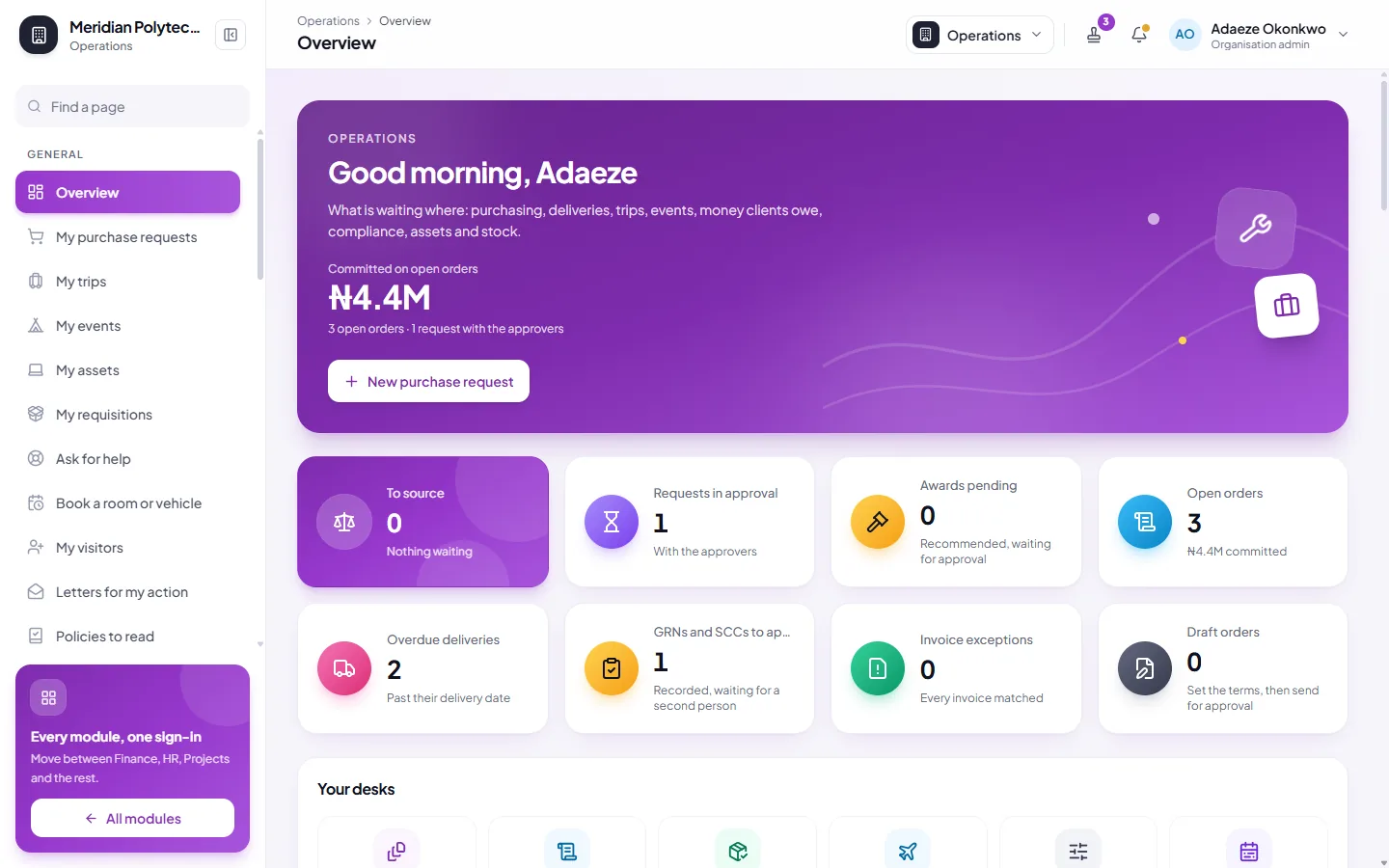
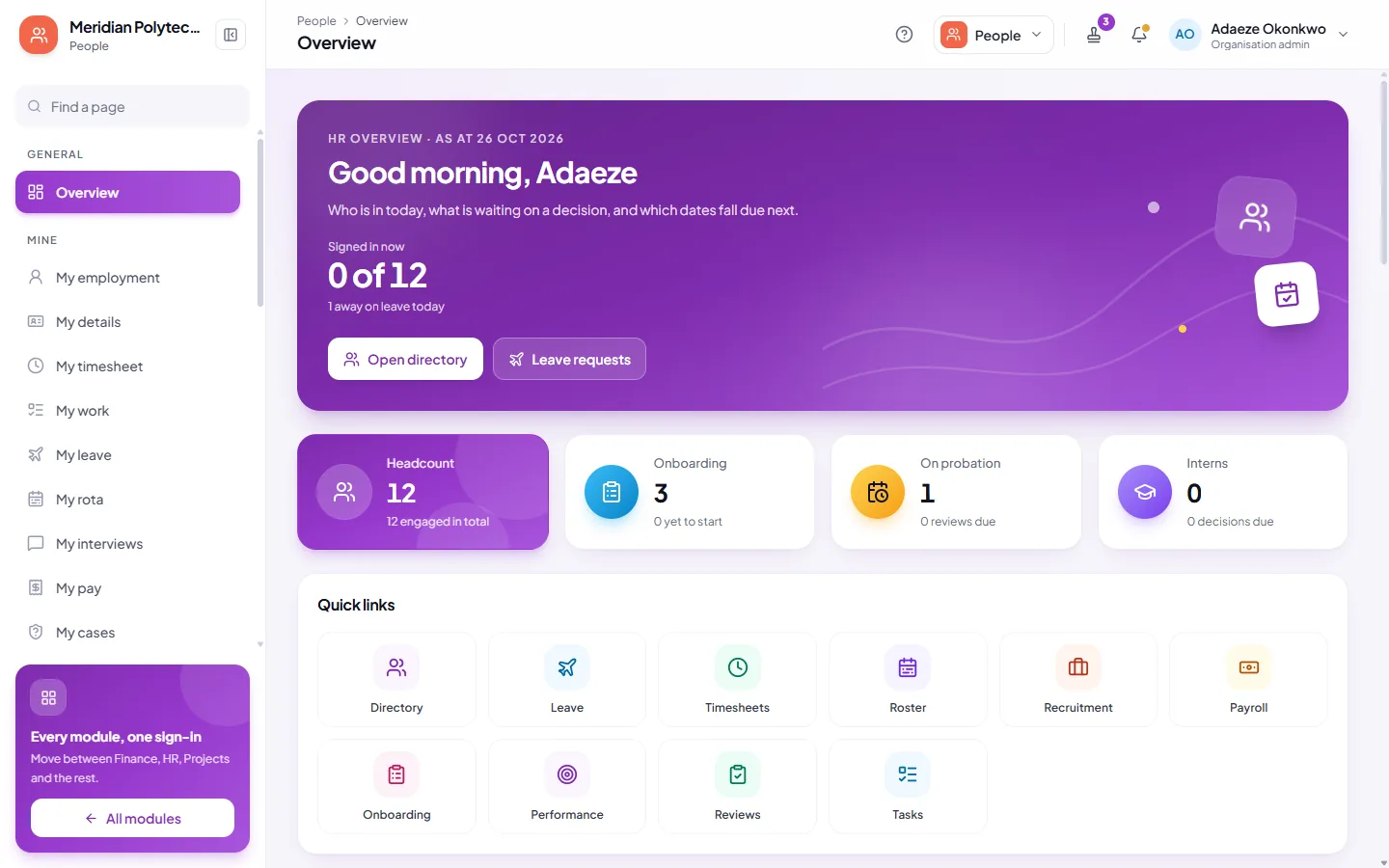
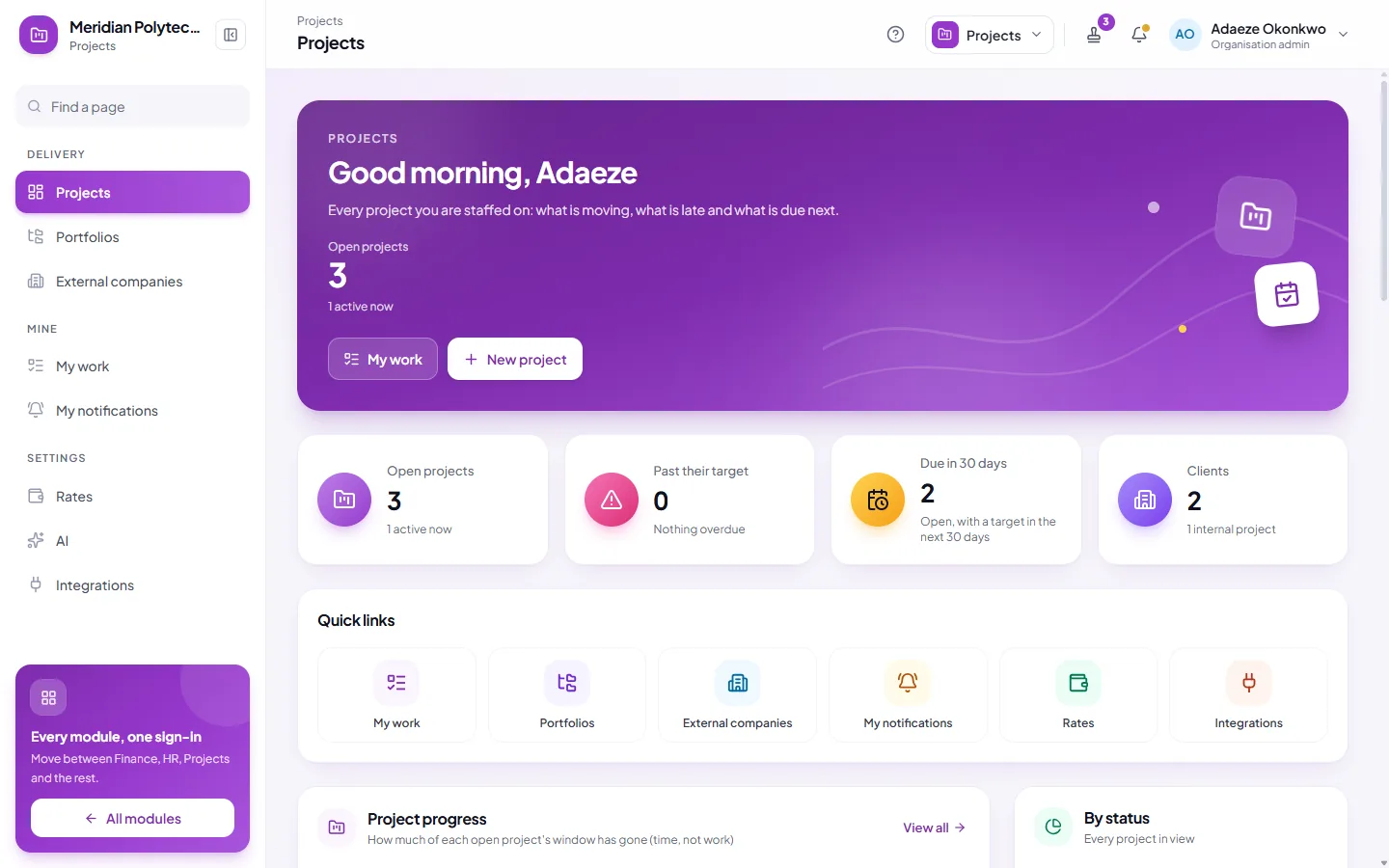
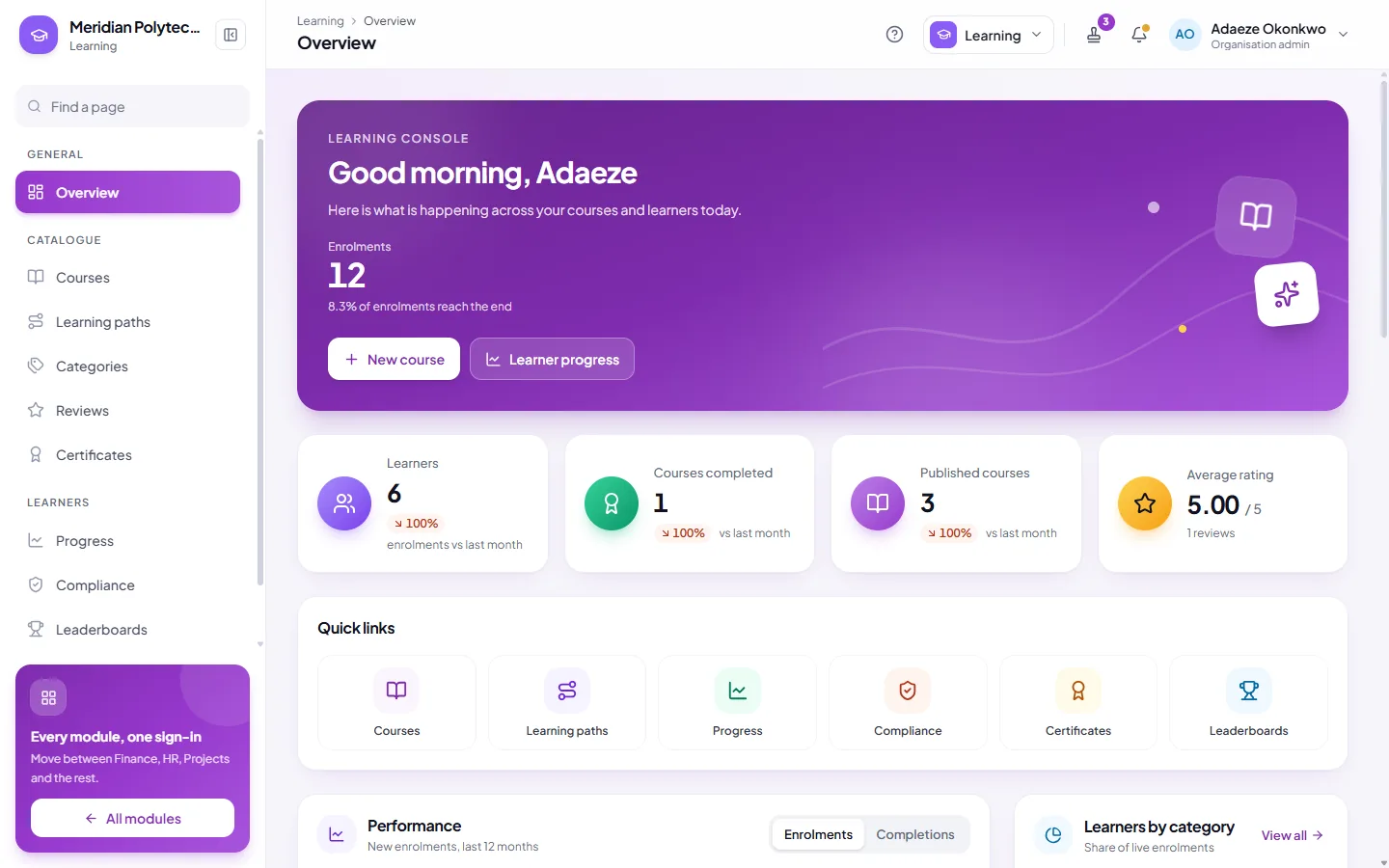
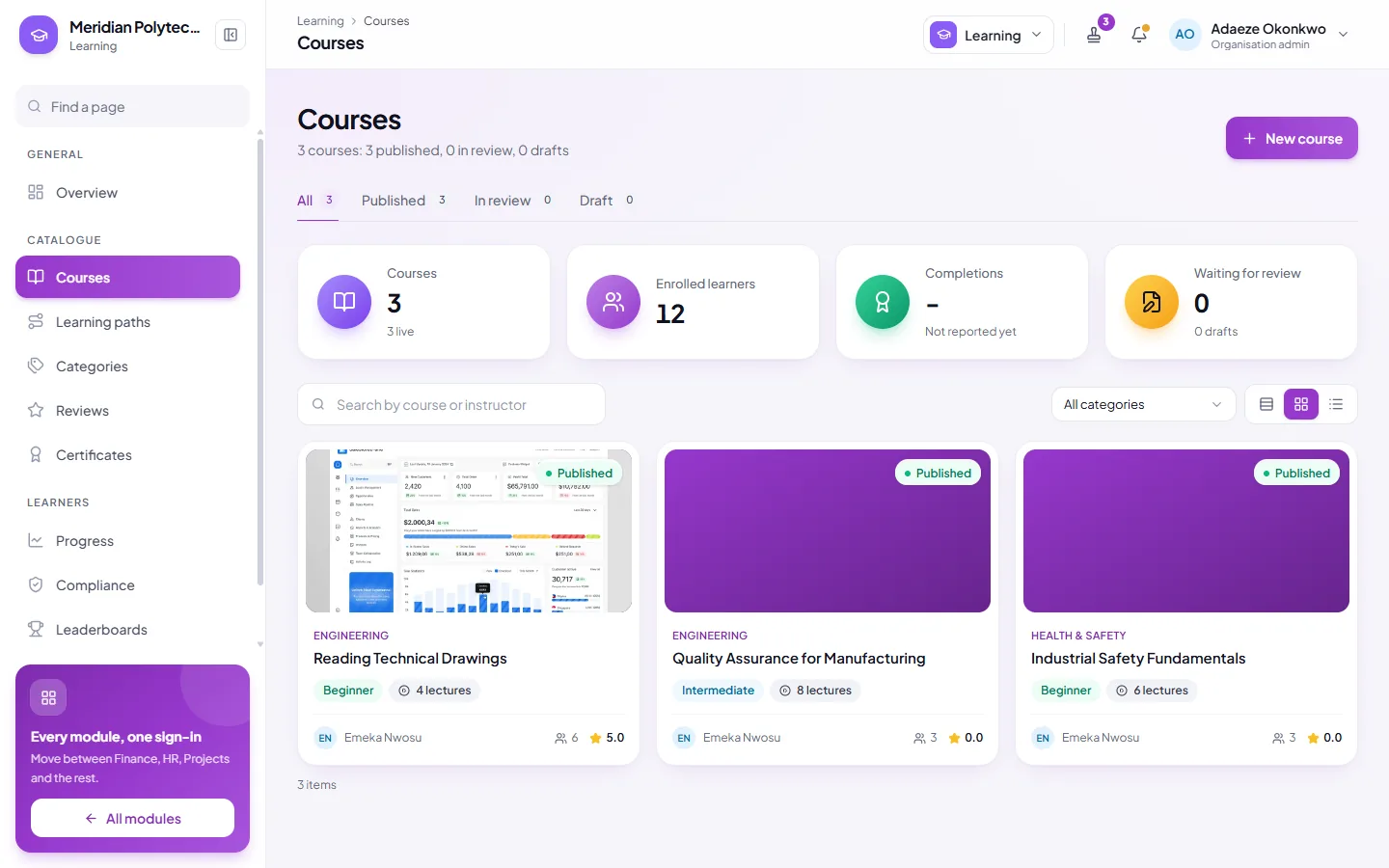
Real captures from a working demo company. Pick the part of the business you look after.

XwiftHQ Finance
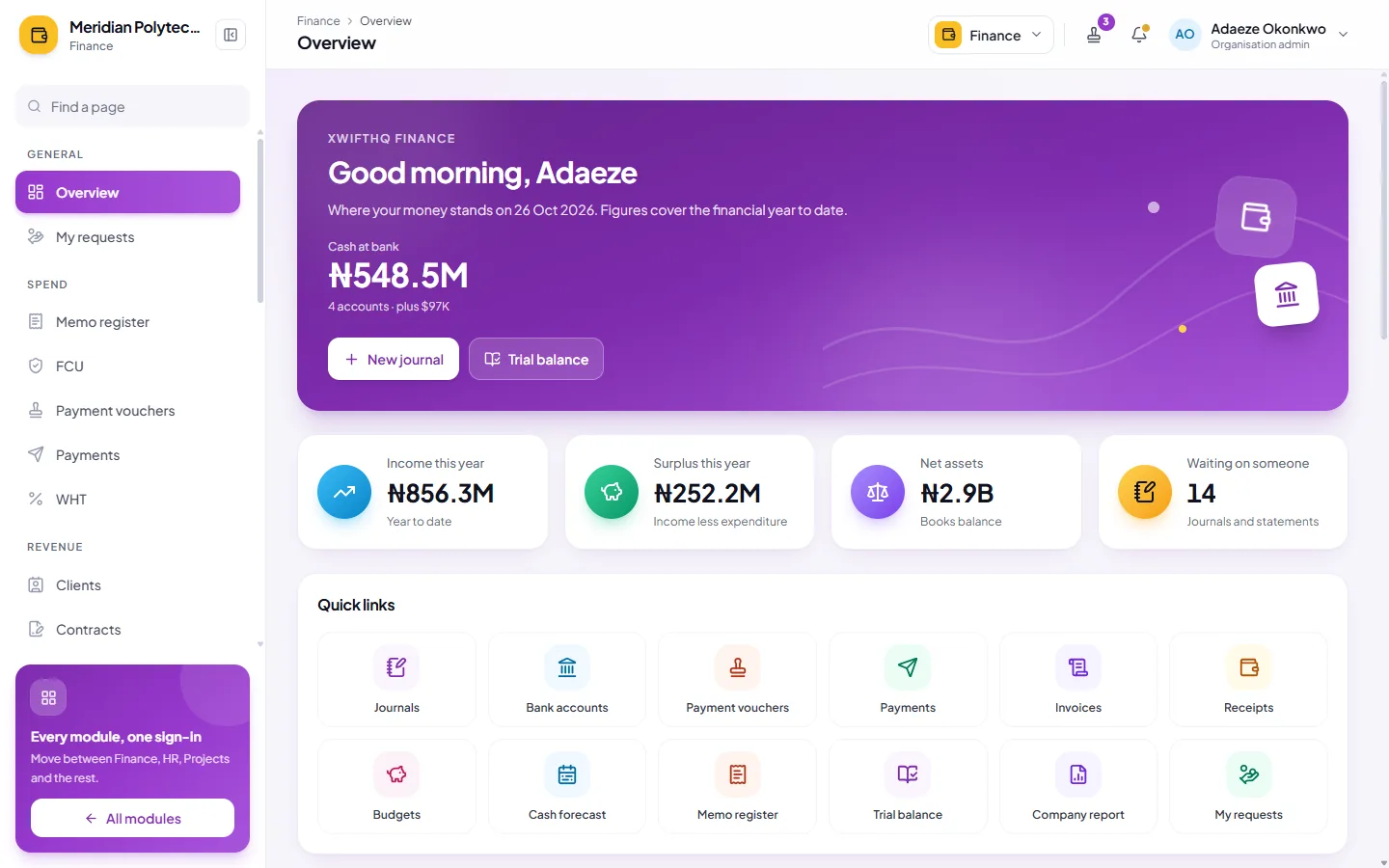
The ledger, spend control and reporting you close your books on

  • A ledger with periods and all four financial statements
  • Vouchers from memo to bank file, withholding tax included
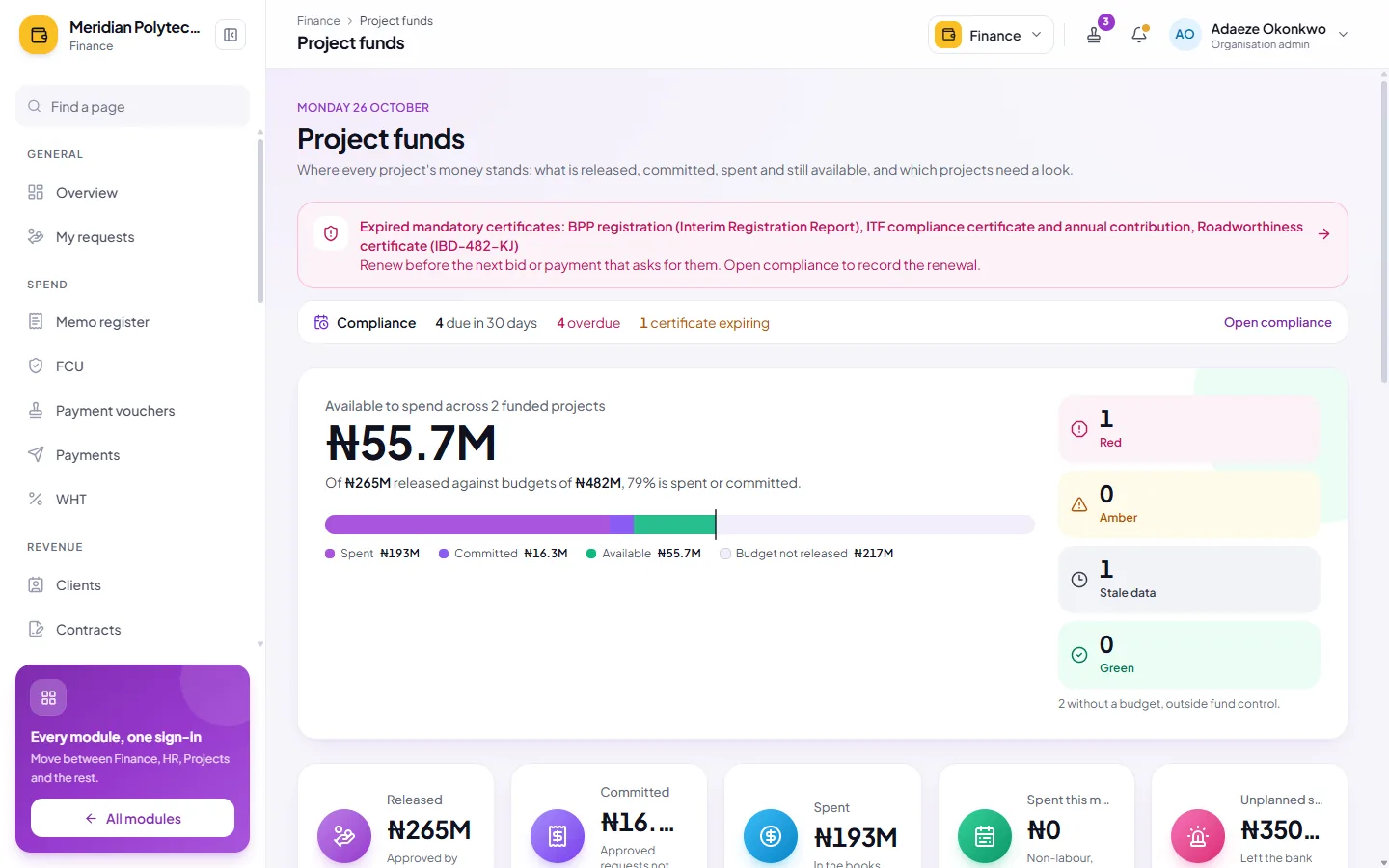
  • Project funds tracked as released, committed, spent and left
Explore Finance
Finance overview: cash at bank, income and surplus for the year, net assets and work waiting
Finance at a glance: each month's close, cash in the bank, surplus and what is waiting on the team.

Why teams switch to XwiftHQ

Fewer tools, fewer spreadsheets and fewer emails asking where something is. Here is what sits underneath.

Modules that work as one: finance, operations, people, projects and learning.
5
Login for every person. Add someone once and every module knows them.
1
Approvals inbox for leave, purchases, payments and budgets alike.
1
Set of books. Payroll, purchases, trips and projects all post to it.
1

Up and running in three steps

A guided setup that gets your company live quickly, without a consultant.

  1. 01Set up your companyAdd your company details, pick the modules you need and choose a plan. It takes minutes, not a project.Start setup
  2. 02Bring your team inAdd your units, roles and approval levels, then invite people. Everyone signs in once and lands on their own work.
  3. 03Run everything from one placeRequests, approvals, payroll, projects and training move through one workspace with a full audit trail.

Connected by design

Work moves on by itself

When one team finishes, the next one already has what it needs. No exports, no re-keying, no chasing.

  • Request → payment

    1. 1Purchase requisition raisedOperations
    2. 2Quotations, award and purchase orderOperations
    3. 3Goods receivedOperations
    4. 4Invoice matched, voucher approvedFinance
    5. 5Paid on a bank file and postedFinance
  • Payroll → ledger

    1. 1Payroll run approvedHRM
    2. 2Journal posted by cost centreFinance
    3. 3Net pay scheduled to the bankFinance
  • Work → cost

    1. 1Hours logged against storiesProjects
    2. 2Trips and events charged to the projectOperations
    3. 3Spend committed against project fundsFinance
    4. 4Expected against actual, shown on the projectProjects
  • Hire → productive

    1. 1Offer accepted, onboarding startsHRM
    2. 2Laptop and access handed overOperations
    3. 3Mandatory training assignedLMS
    4. 4Added to the project teamProjects
  • Exit → final pay

    1. 1Leaver recordedHRM
    2. 2Assets cleared on exit clearanceOperations
    3. 3Advances retiredFinance
    4. 4Final pay releasedHRM
  • Every handover is logged in one audit trail, with who did what and when.

    Explore the platform

Built for every team

Every team gets its own space. Everyone shares the same truth.

Each role works in the module made for it, on the same people, records and approvals as everyone else.

  • Finance teamsFinance
    • Check, approve and pay vouchers right through to the bank file
    • Reconcile bank statements and close each period
    • Release project funds and track budgets against actual
  • OperationsAdmin and Operations
    • Take purchases from requisition to goods received
    • Book trips, events and vehicles against their budgets
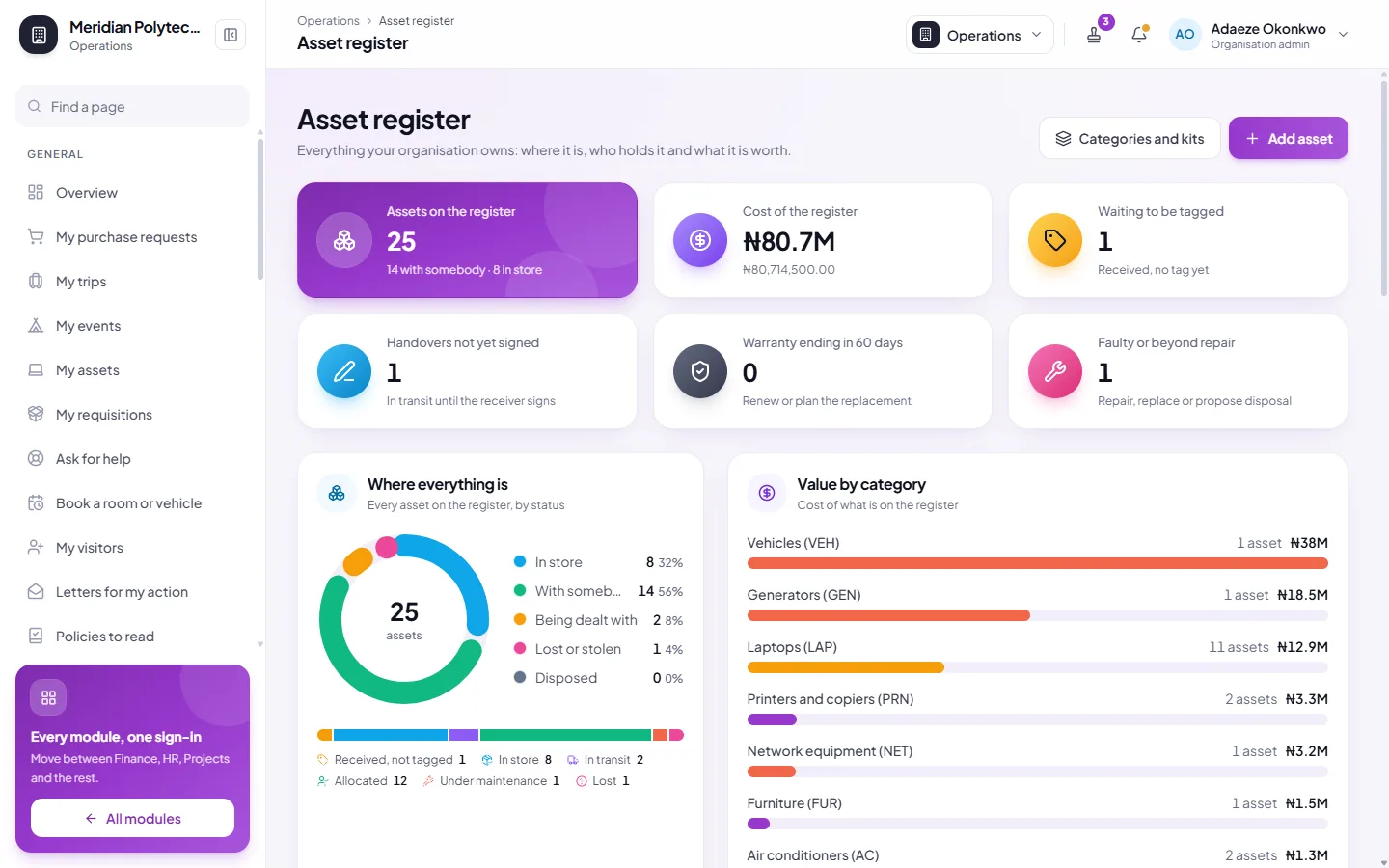
    • Keep assets, stores and compliance dates on track
  • HR managersPeople
    • Hire, onboard and offboard from a single employee record
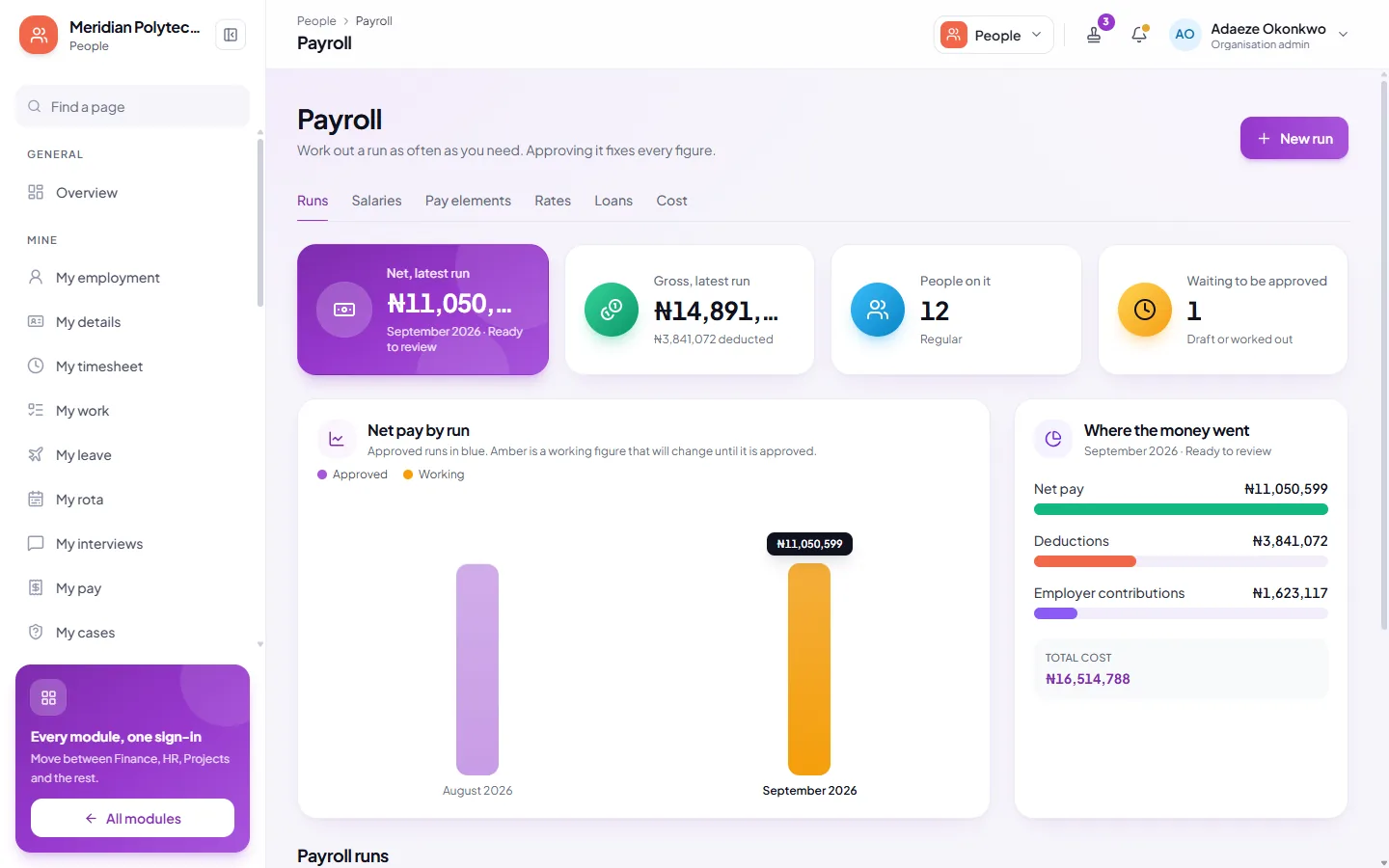
    • Handle leave, timesheets, payroll and appraisals
    • Settle leavers as soon as their clearance is complete
  • Delivery leadsProjects
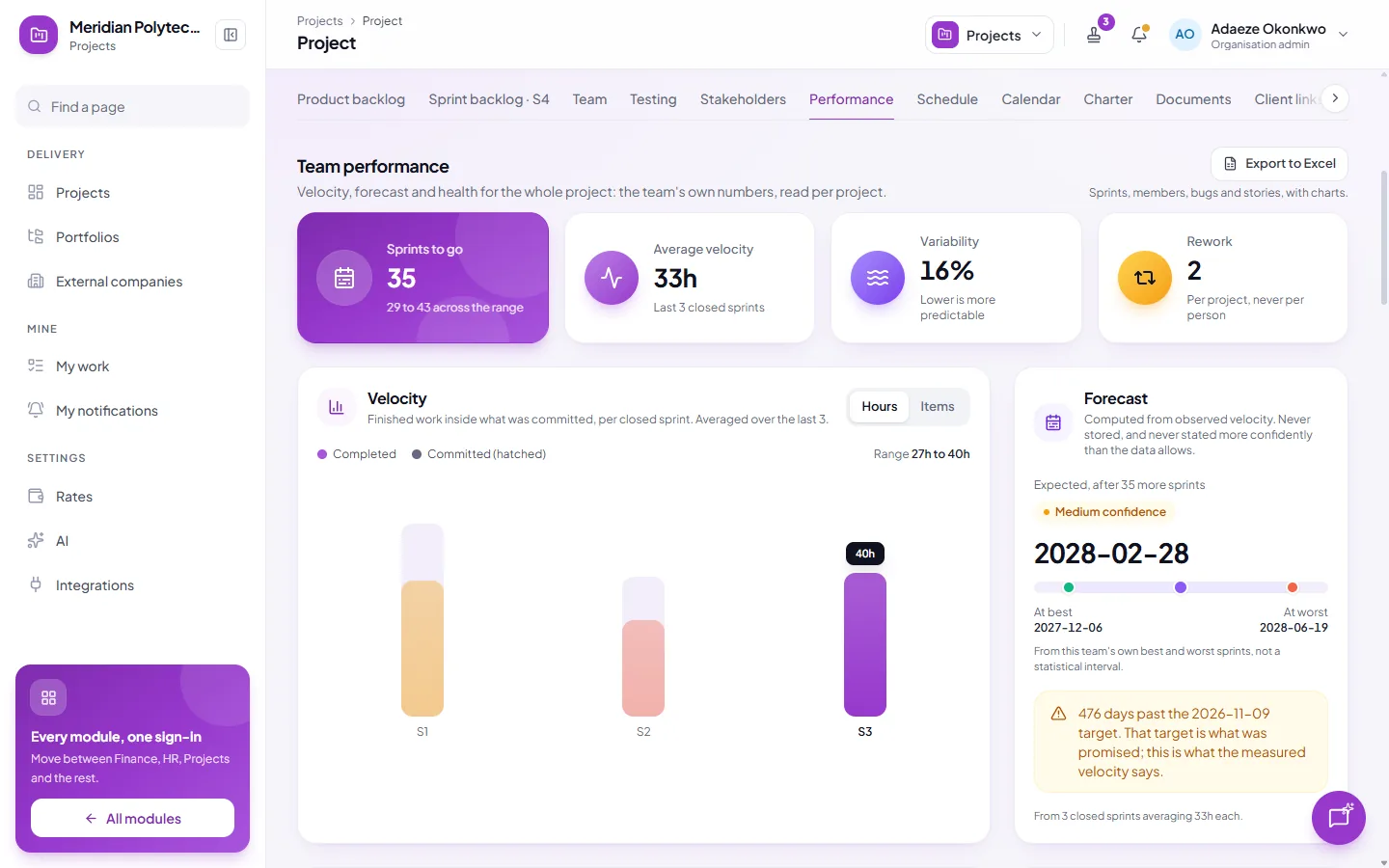
    • Plan sprints and stories on one board per project
    • Run tests, log findings and follow the critical path
    • Compare planned and actual spend on each project
  • Training and complianceLearning
    • Assign required courses with due dates
    • Spot who is overdue and export it for an audit
    • Issue certificates anyone can verify
  • Company adminsEvery module
    • Set up units, cost centres, roles and approval flows
    • Add people and give them the roles you define
    • Bring back anything deleted from the recycle bin

Bring your whole company into one workspace

Set up in minutes. Invite your team. Retire the spreadsheets.