Mandatory training, tracked
Mark a course mandatory, set a due date and assign it to a person, a team or everyone. The compliance report shows who's done, who's due and who's overdue, and exports to CSV.
XwiftHQ LMS
Courses, learning paths and mandatory training with due dates for your staff. A compliance report shows who's overdue, and anyone can check a certificate by its serial. All branded as your company.
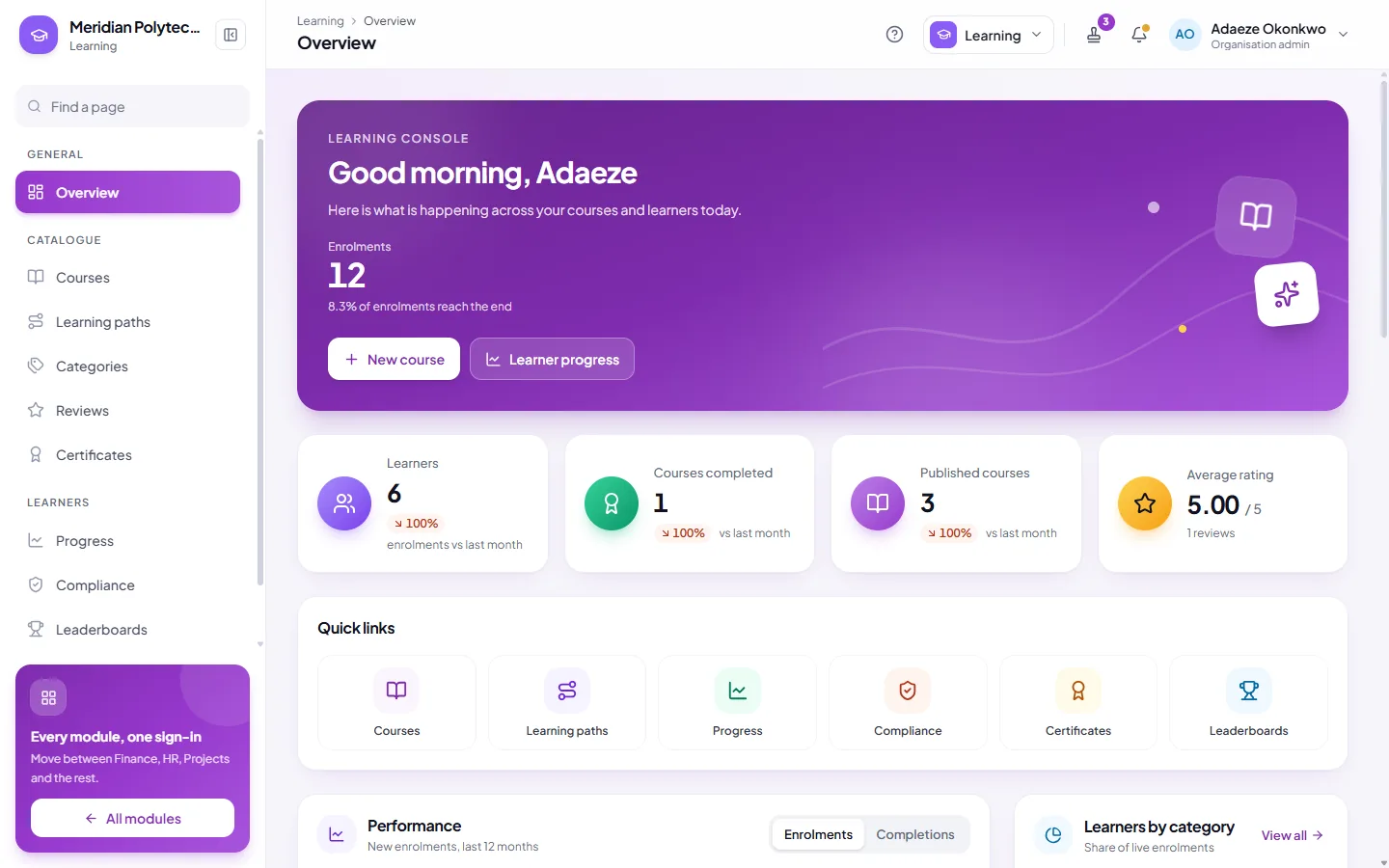
Facts about how the module is built, each one something you can check in the product.
What it does
The full list comes further down. These are the decisions that shaped the module.
Mark a course mandatory, set a due date and assign it to a person, a team or everyone. The compliance report shows who's done, who's due and who's overdue, and exports to CSV.
Put courses in order as a path and assign it in one action. Progress is measured against the path, so everyone knows their next step.
Build courses from any mix of lessons, using media from your own library. Quizzes support pass marks, attempt and time limits, question banks and shuffling.
Every certificate carries a serial. Clients, auditors and regulators can check it without an account, and a revoked certificate says so.
Badges at each quarter of a course and leaderboards scoped to your own organisation. Motivating inside a team, never a public ranking.
Set a logo and accent colour per organisation. Contrast is checked as the admin types, so training never ships in a colour nobody can read.
Inside the product
Real screens from a demo company running XwiftHQ. Nothing here is mocked up.
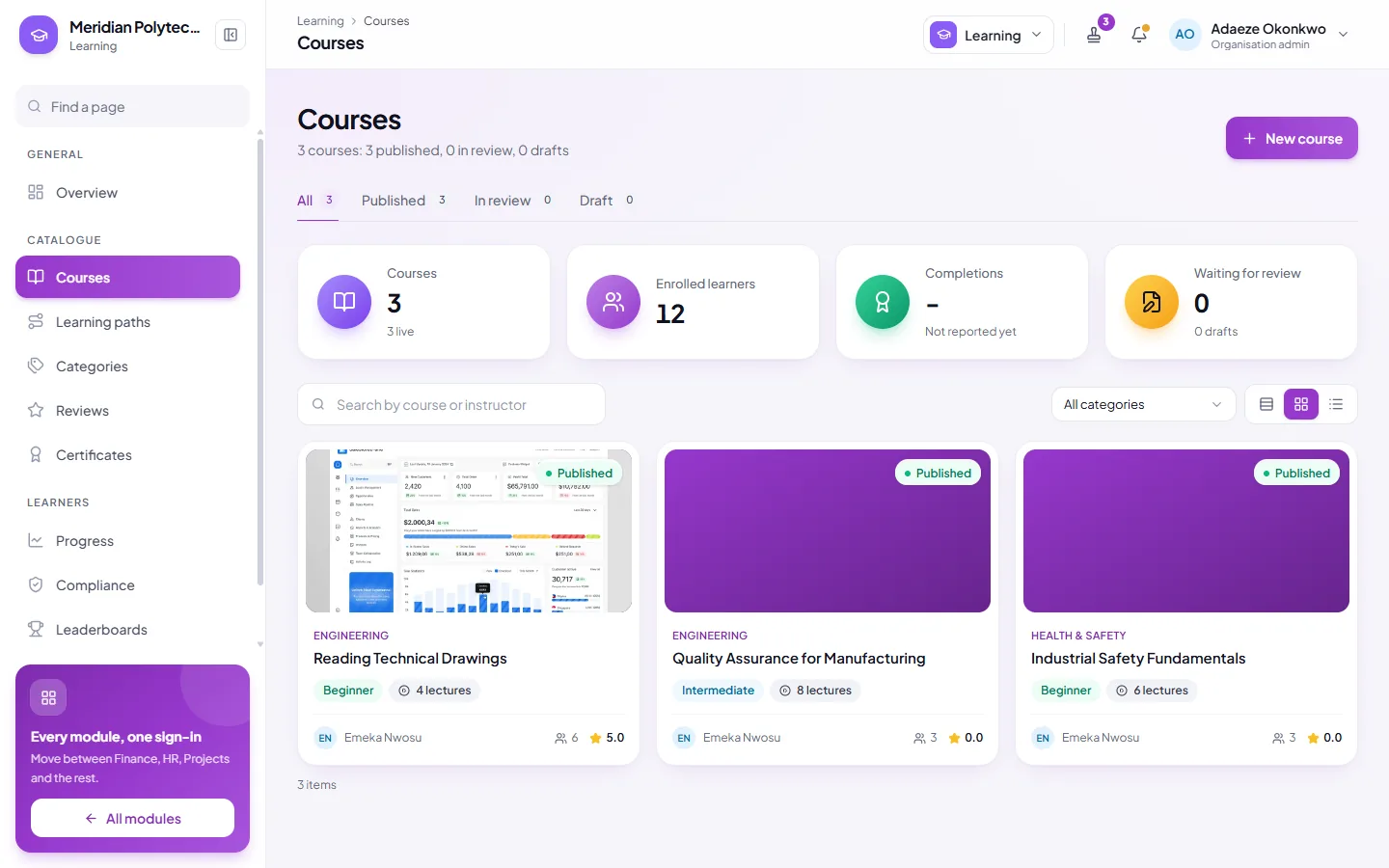
Courses
Induction, policies, tools and skills, written by your own people and published once your approval policy allows. Staff see what is assigned to them first.
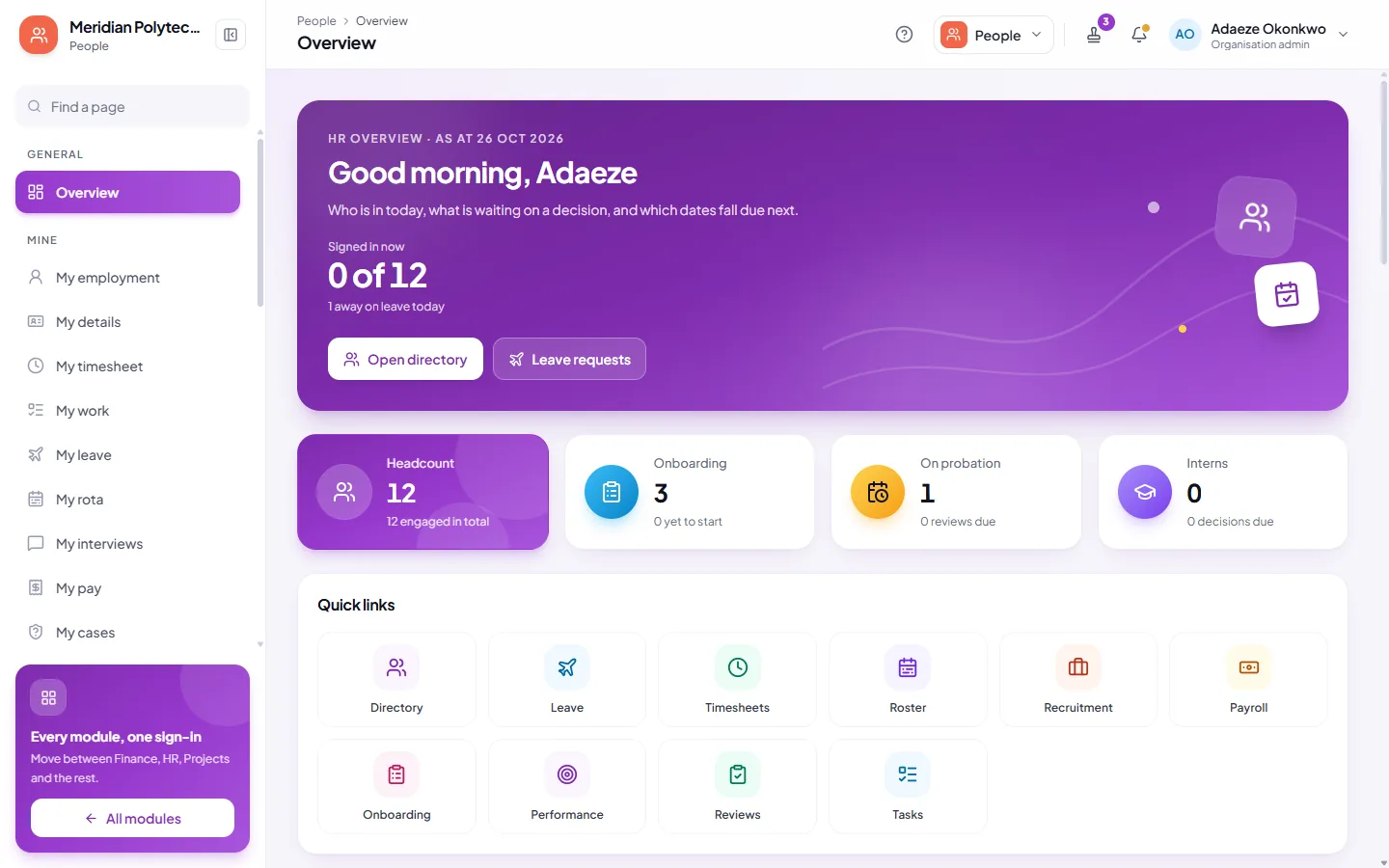
With HRM
A new hire's onboarding checklist in HRM can include their induction courses, and finished required training shows on their record at review time.
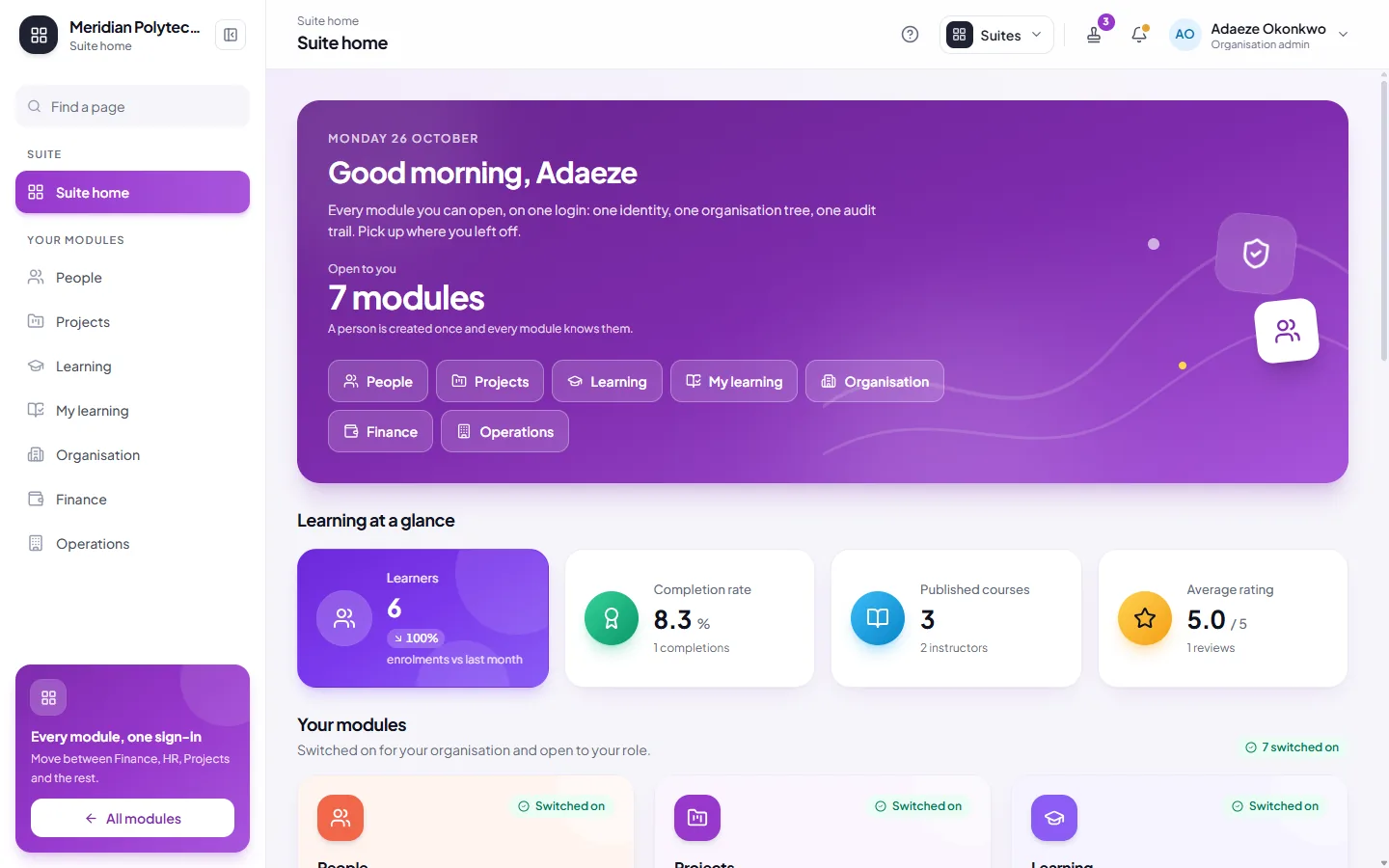
One login
Learning sits beside HR, Projects, Finance and Operations on one account. Nobody needs a separate login for the training their job requires.
The problem

Training is usually bought as a separate tool. It fills up with real completions and then sits alone, because the record of who was trained lives somewhere HR, the auditor and the line manager never look.
A completion that never reaches the employee record is a compliance risk, not an achievement. At audit the person looks untrained, and the only proof is a spreadsheet someone swears is current. Meanwhile the new hire waits two weeks for someone to remember which courses the job needs.
XwiftHQ LMS is part of the workspace, not bolted onto it. Induction courses ride on the HRM onboarding checklist, required training has a due date and an overdue list, and recurring courses issue certificates that expire on schedule, so renewals come round without a tracking spreadsheet. Every certificate carries a serial number anyone can check.
How it works
These figures are drawn to show how each part works. The names and numbers in them are illustrative.
01Learning paths
A learning path is an ordered set of courses: induction, the tools of a role, the policies everyone signs up to. Assign it in one action to a person, a team or the whole company. Progress is measured against the path, so everyone knows which step they're on.
The suite shares one employee record, so a new hire's onboarding checklist in HRM can include their induction courses. Start on Monday, get your training on Monday. No waiting for a manager to remember which six courses the role needs.
Field Operations pathway
ExampleAssigned to the operations team, 7 steps
02Course builder
A course is made of sections and lessons. Each lesson is a video, an article, a document or a quiz, in any order you like. Video and files come from your organisation's media library, either uploaded or connected from Cloudinary, Google Drive or S3.
Quizzes support multiple choice, fill the blank, short answer and matching questions, with a pass mark, attempt limits, a time limit and a shuffled question bank when you want one. Marking runs on the server, so the answer key never reaches the browser. The question report shows which ones people get wrong.
Revenue analytics: curriculum
Draft1. Getting started
2. The revenue model4 lessons
3. Reporting standards2 lessons
Lesson
Check your understanding
Question types
Q3: every blank needs at least one accepted answer
03Compliance
Mark any assignment mandatory and give it a due date. The compliance report shows who is complete, due or overdue, and exports to CSV for whoever asks. It also shows on the person's HRM record, where their manager sees it at appraisal.
Finish a course and a serialised certificate is issued in the same step. For training that has to be repeated (fire safety every year, data protection every two), the certificate expires on schedule and the requirement reopens from that date. No renewal spreadsheet required.
Awarded to
A. Okafor
for completing Revenue analytics at Example Ltd.
Certificate verified
Public page, no account required
04Badges and boards
Badges land at every quarter of a course (25, 50, 75 and 100 per cent) and for finishing a path, so the next one is always close. Once earned, a badge is never taken back.
Leaderboards are scoped to your organisation. Colleagues push each other on. Strangers don't need to see who finished what, and nobody outside the company ever appears on your board.
Your organisation: courses finished
Scoped to your organisation. Nobody outside it shows up here, and nobody outside it can see you.
Course badges
Once earned, a badge is never taken back.
Everything in it
Every area of the module, grouped the way you will find it in the product.
Who uses it
Everyone in the company can learn here. These four run it.
What they still have to finish, and proof once they have.
The courses their team or department actually needs.
The right training in front of the right people.
Evidence an auditor will accept without a follow-up email.
One dataset
Each of these starts in one module and finishes in another. They work because one organisation, one set of permissions and one audit trail sit under all five.
Connected
A completion only matters where someone is asking the question it answers.
Mandatory training sits beside the employee record, and compliance appears in the appraisal, so every review sees what was completed.
A controlled policy document and the course that teaches it live in the same suite, so staff read and train in one place.
Point a team at the path that closes a skill gap on a project, on the same sign-in they use for the work.
Training spend lands on your company's own books and in the company finance report, like any other cost.
Questions
Yes. Courses, learning paths, mandatory training, the compliance report, quizzes and verifiable certificates all run on real data today.
Companies training their own staff: induction, policy and compliance courses, paths for each role, and certificates a client or auditor can check.
Yes. The check is public. It returns the holder, the course and the issue date, or says plainly that no such certificate exists or that it was revoked.
The compliance report lists every mandatory course by person, with its due date and status, and exports to CSV for an audit.
No. A leaderboard is scoped to your own organisation, and every record is isolated in the API regardless.
Induction and role paths, required courses with due dates, and certificates that land on the employee record, all on the same XwiftHQ account.